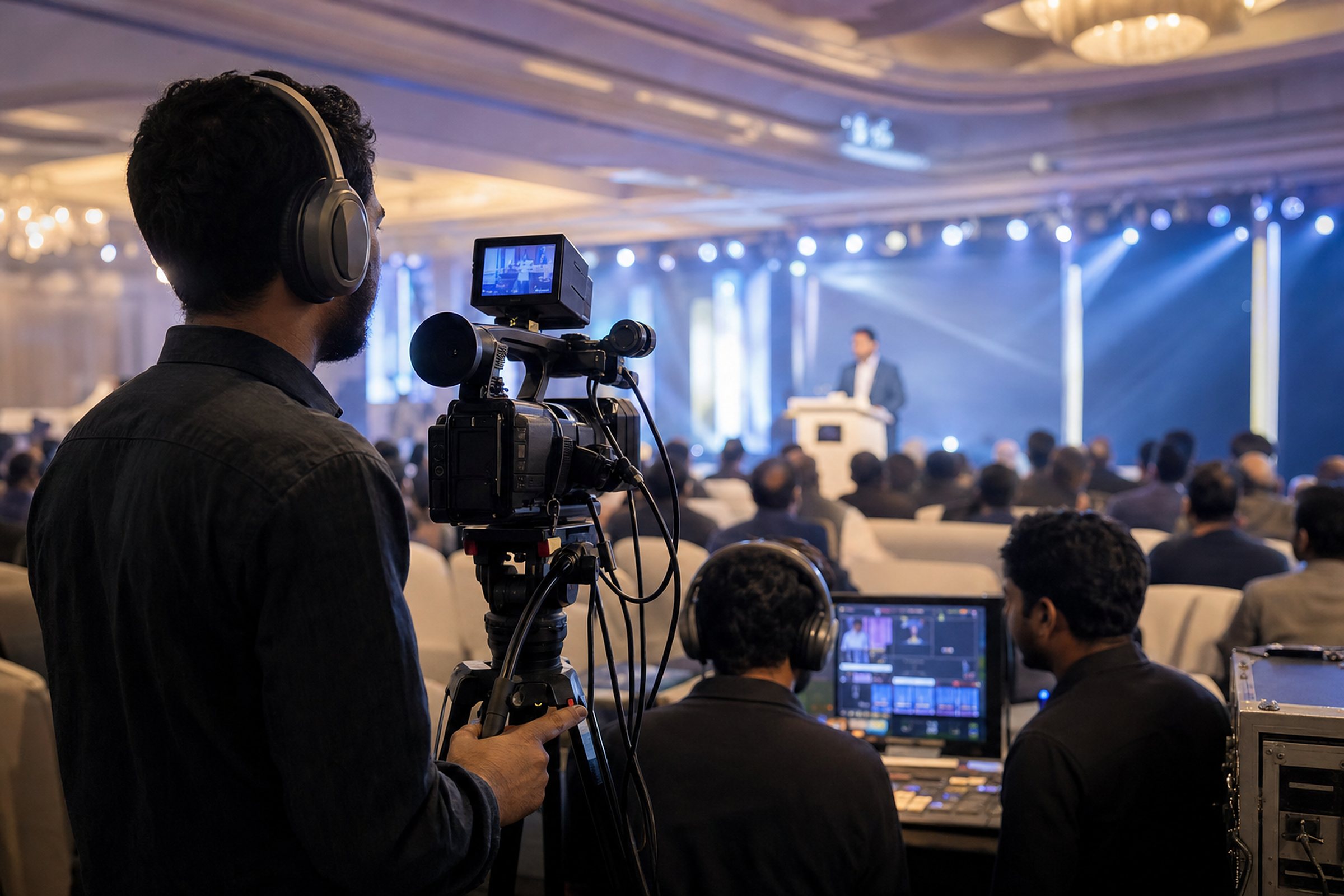
Good live coverage is decided long before the cameras turn on. Venue, internet, sound and running order all matter.
Table of contents
A ceremony, conference or launch streamed live can reach far more people than the hall can hold. But live has no second take, so preparation is everything.
1. Visit the venue first
A site visit shows where cameras can stand, where power comes from, how the stage is lit and where the production desk can sit without blocking guests.
2. Internet you can trust
Venue Wi-Fi is rarely enough. Plan a wired connection, test the upload speed on the day before, and keep a mobile backup ready.
3. Sound from the source
Viewers forgive a soft picture but not bad audio. Take a clean feed from the venue sound desk instead of recording speakers through a camera microphone.
4. Share the running order
Names, titles and the order of speakers let the team prepare on-screen graphics correctly and switch to the right camera at the right moment.
5. Decide where it streams
Facebook, YouTube, your website or all three. Create the pages and give access early, so the stream goes live on the official channel.
6. Plan what happens after
A short highlight film and photo set on the same day keep the event in the news. Agree on these deliverables before the event.